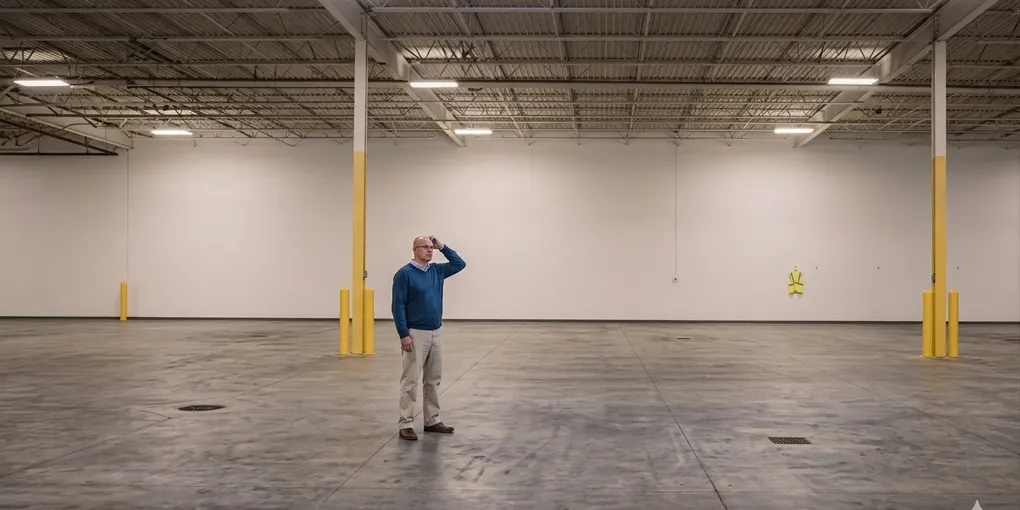
The “Empty Warehouse” Mystery: Stop Losing Money to Poor Inventory Tracking
You just took a call from a high-value construction client. They need five units on-site by tomorrow morning. Your spreadsheet says you have six units “available,” so you close the deal.
Then your warehouse manager calls. It turns out three of those units are actually damaged, one was never picked up from a previous job, and the last two are buried behind a row of long-term storage containers.
Now, you’re stuck making a choice: Rent from a competitor (and lose your margin) or call the client and admit you can’t deliver. Neither is a good look.
The Pain Point: “Ghost” Inventory and Dead Assets
In the mobile storage industry, your containers are your employees. If they aren’t “working” (on a rental contract), they should be “ready for work” (clean, repaired, and accessible).
The most common inventory headaches include:
- The Status Gap: Knowing a unit is in the warehouse is one thing; knowing if it’s clean and rent-ready is another.
- Asset Drift: Losing track of exactly how long a unit has been at a specific site, leading to missed billing cycles.
- The “Buried Treasure” Problem: Units being moved around the warehouse without a record, forcing drivers to play “musical containers” for an hour just to reach the one they need.
The Fix: Real-Time Asset Intelligence
To scale a storage business, you have to stop managing containers by memory and start managing them by data. Here is how to regain control of your warehouse:
1. Implement a “Condition Code” System
Never list a unit as simply “In Stock.” Use a simple three-tier status system:
- Ready: Clean, inspected, and positioned for easy load-out.
- Pending: Returned but needs a sweep or minor repair.
- Red-Tag: Out of commission (needs welding, painting, or door seal replacement).
2. Digital “Breadcrumbs” for Every Move
Every time a container moves—whether it’s from warehouse A to warehouse B, or simply moved to the back of the lot—it must be logged. If it isn’t in the system, it didn’t happen. This eliminates the 20-minute “where is it?” hunt drivers face every morning.
3. Automated Rental Audits
If you are still manually checking which units are on-site vs. out on rental, you are likely leaving money on the table. Use a system that flags “zombie units”—containers that have been at a site longer than the initial contract—so you can trigger automatic billing extensions or pickup reminders.
The Solution: A CRM That Actually Sees Your warehouse
The “Empty warehouse” mystery is usually a software problem. General-purpose tools aren’t built for physical assets that move. A specialized mobile storage CRM allows you to:
- Visual warehouse Management: See exactly what’s available at a glance.
- Automated Maintenance Logs: Track the “health” of every container in your fleet.
- Instant Billing Sync: The moment a container is dropped, the rental clock starts; the moment it’s picked up, it stops.
Final Thought: Stop Searching, Start Scaling
Your containers are too expensive to be “lost” in your own warehouse. By tightening your inventory tracking, you ensure that every time a customer calls, you can say “Yes” with 100% confidence.